⏱
Clock in to real work
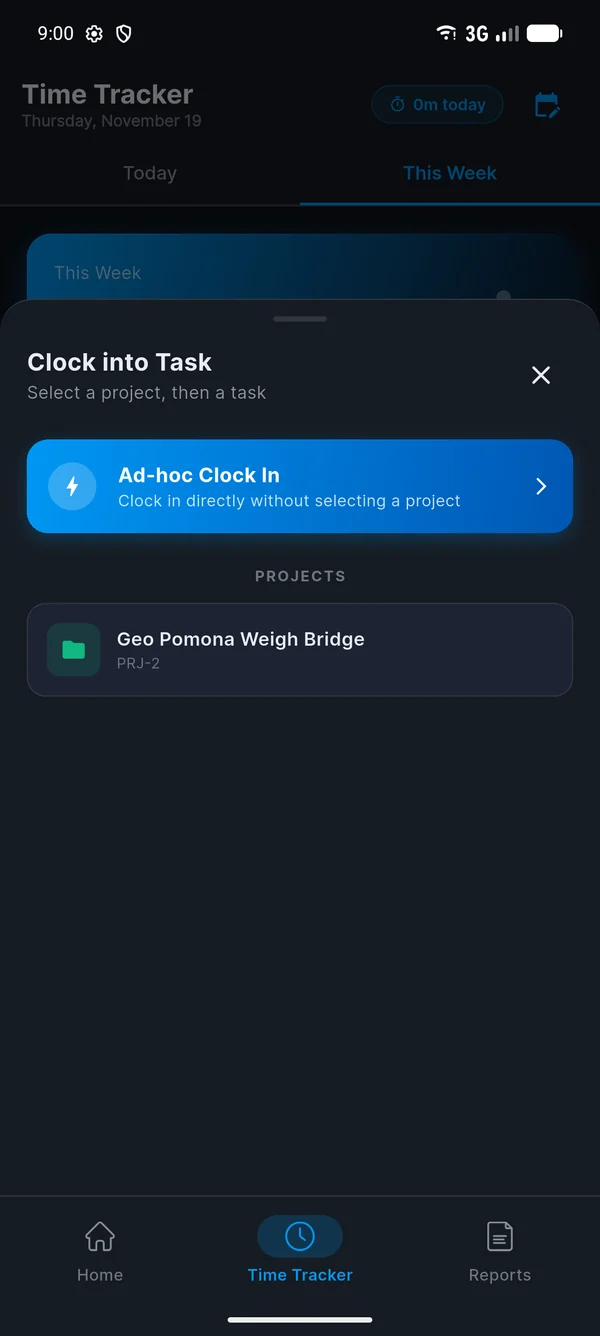
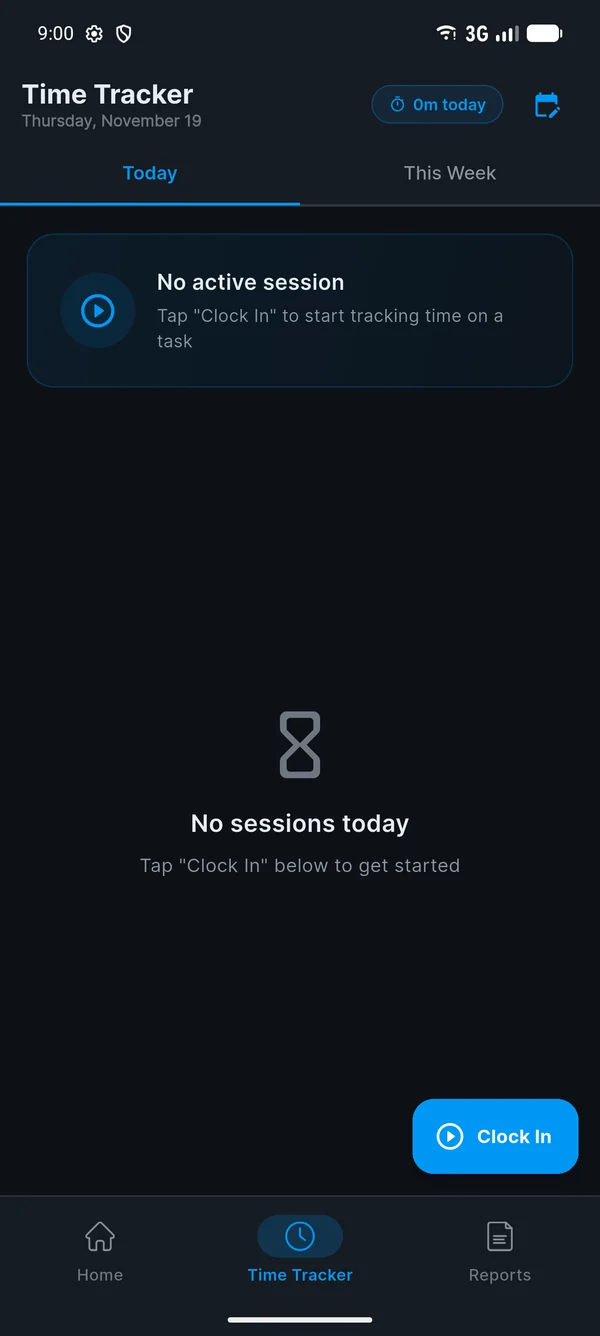
Pick the project and task you're on, so your hours land where they belong. Switching tasks takes one tap.
Tano Pulse is the time and attendance app for the Tano Digital team. Clock in to your projects in a couple of taps, see where your hours go, and get a friendly nudge to start and end your day.
From download to your first clock-in takes about five minutes. Have your phone and your work email handy.
On your Android phone, tap Download for Android on this page. The file is called tano-pulse-v1.0.0.apk.
On a laptop? Scan the QR code at the top of the page with your phone's camera instead.
Open the downloaded file from your notifications or your Downloads folder, then tap Install.
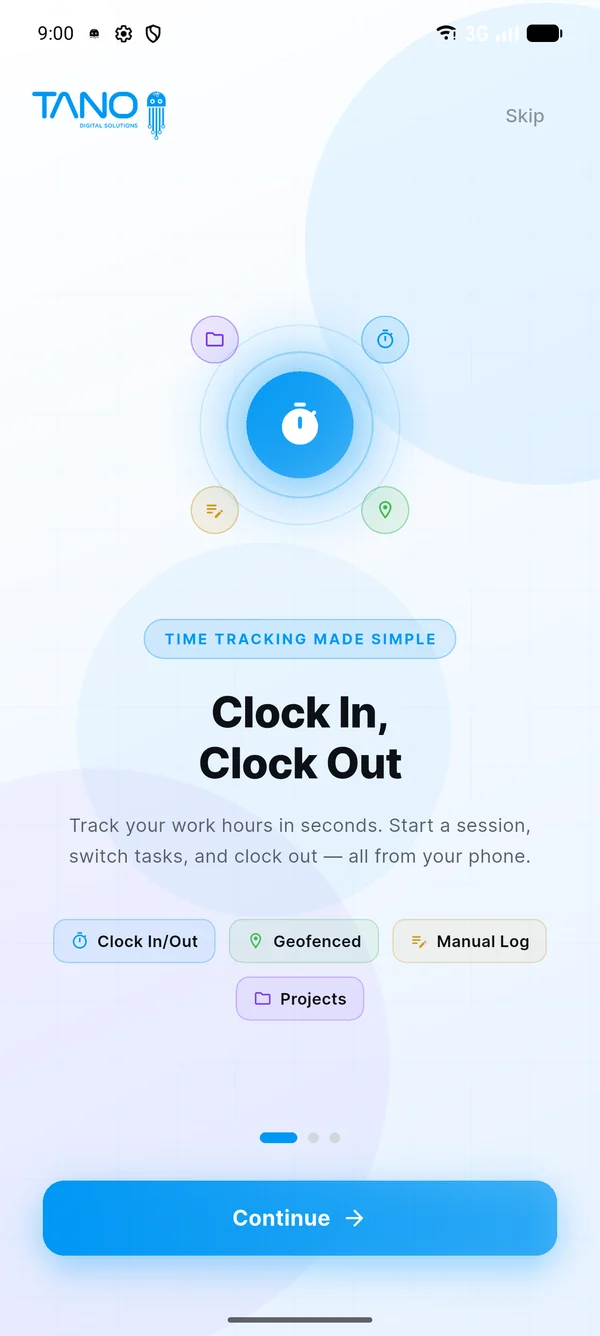
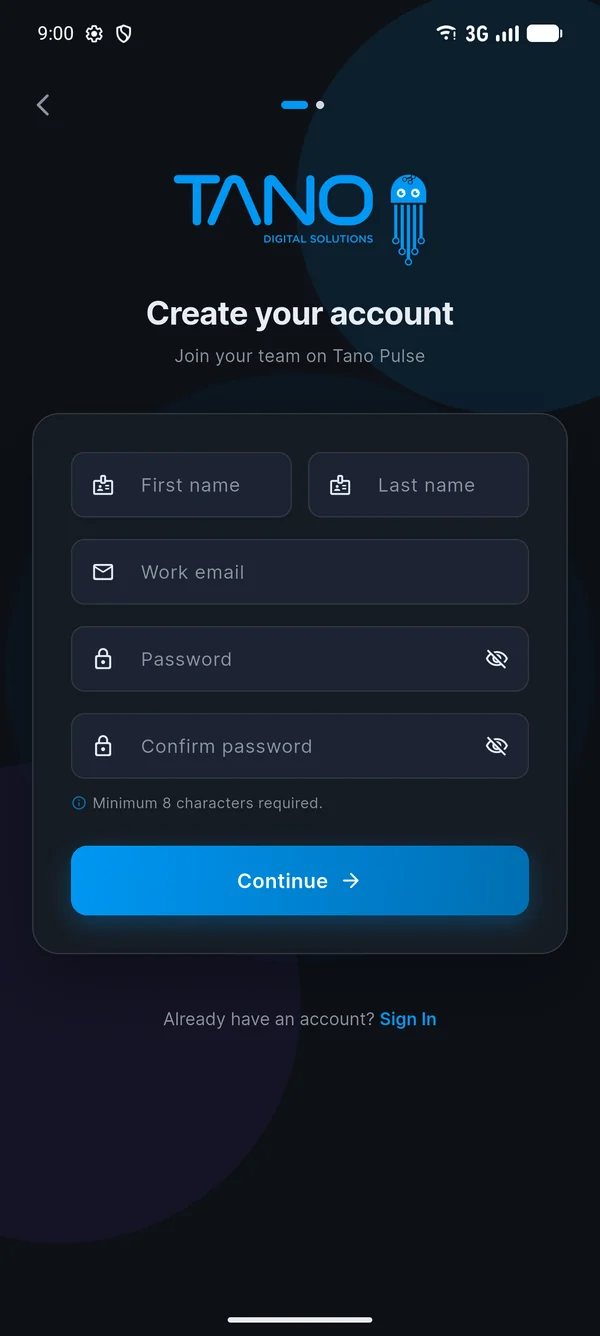
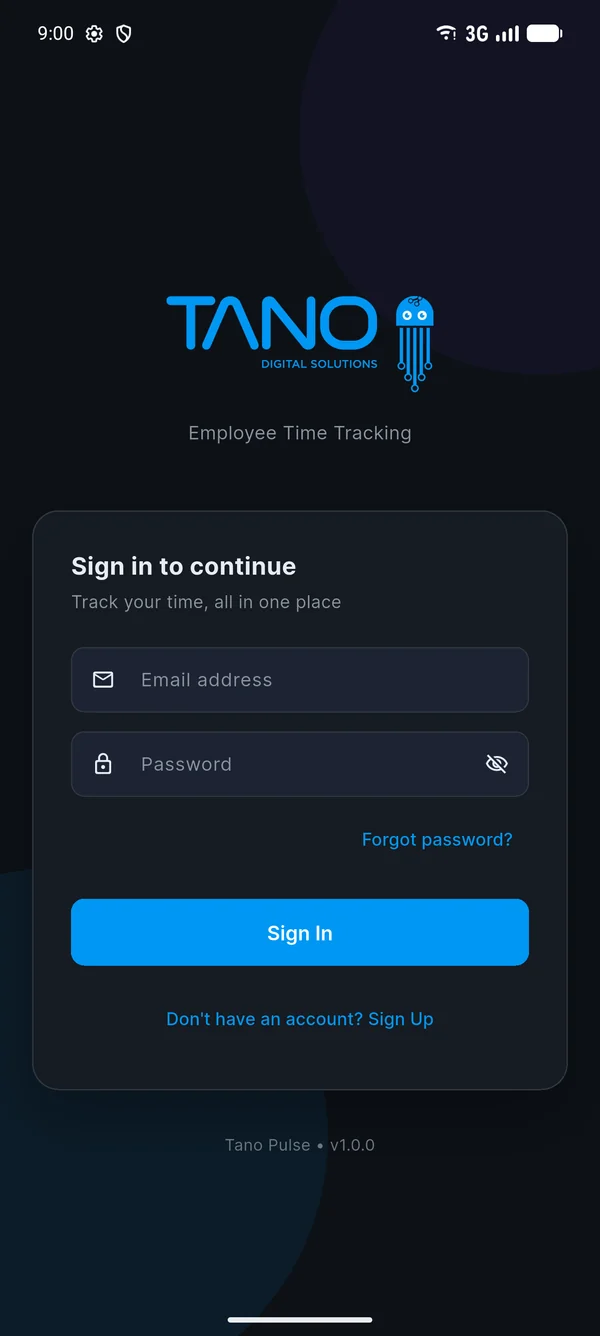
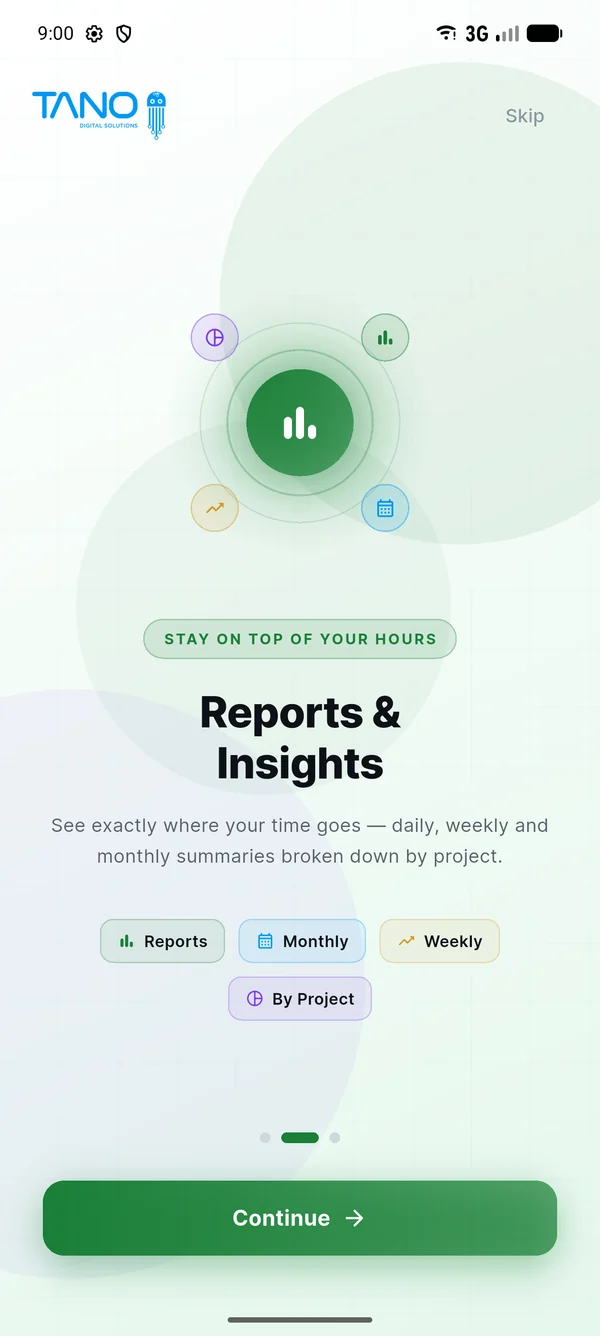
Open Tano Pulse, swipe through the welcome screens and tap Sign Up. Enter your name, your work email and a password of at least 8 characters.
@tanodigitalgroup.com addresses can sign up. Personal emails such as Gmail are turned away.
We email you a 6-digit code. Type it into the app to confirm it's really you. Codes expire after 10 minutes.
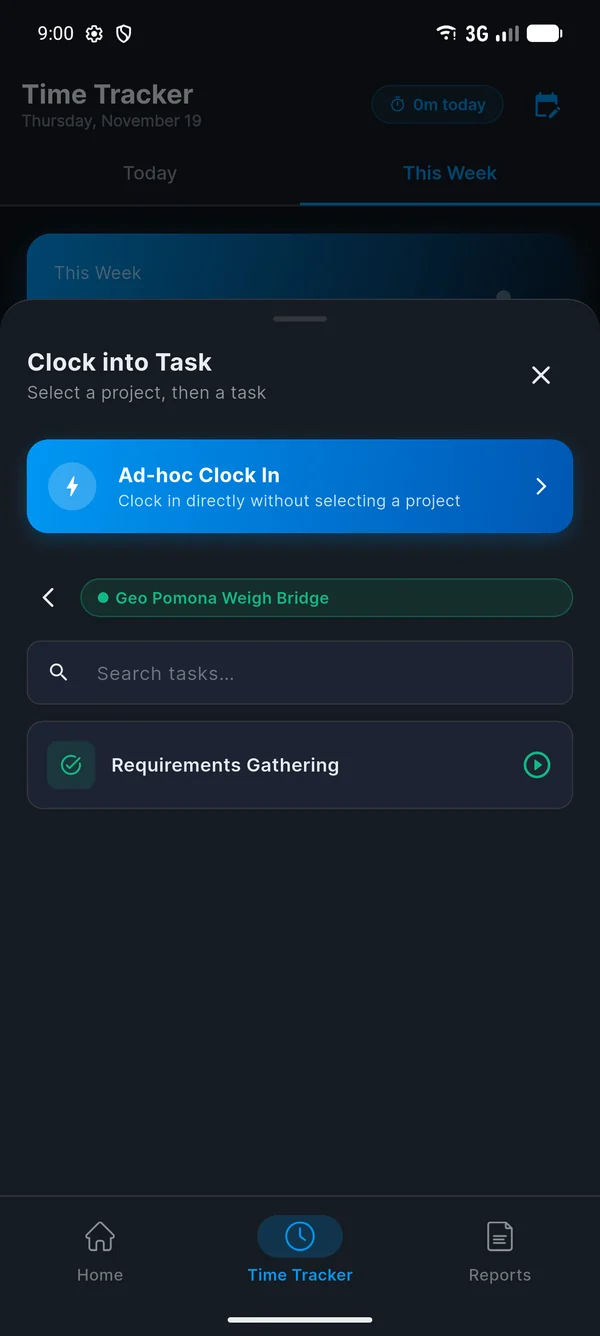
Go to Time Tracker and tap Clock In. Pick your project, then the task you're working on.
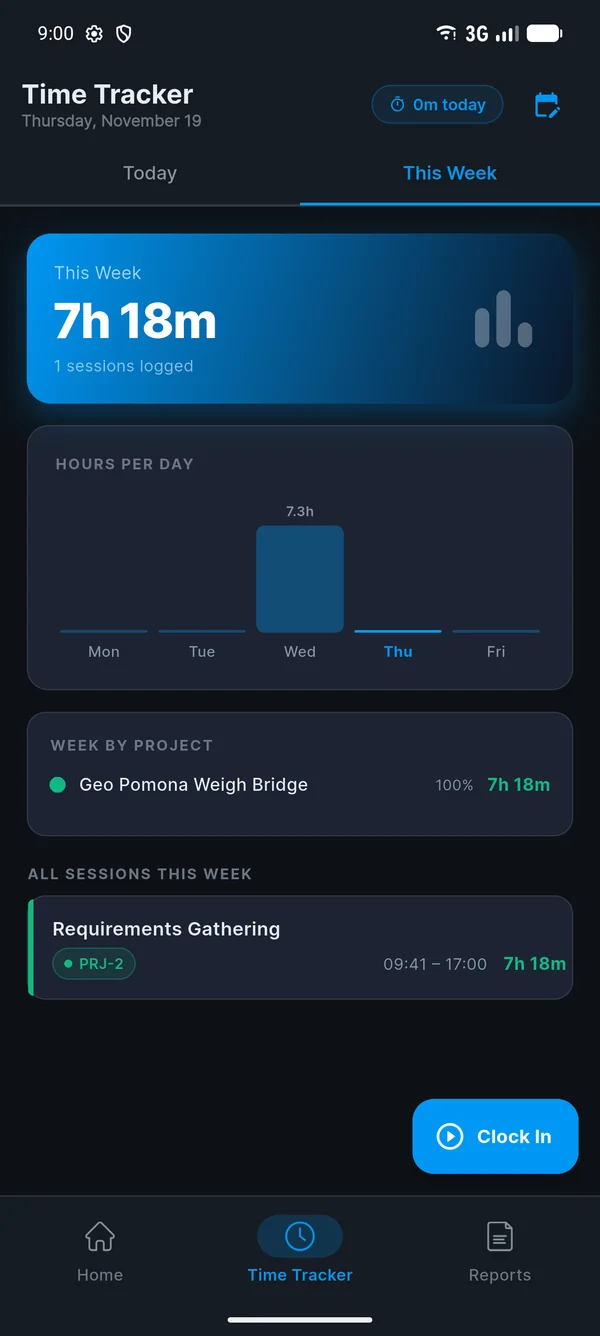
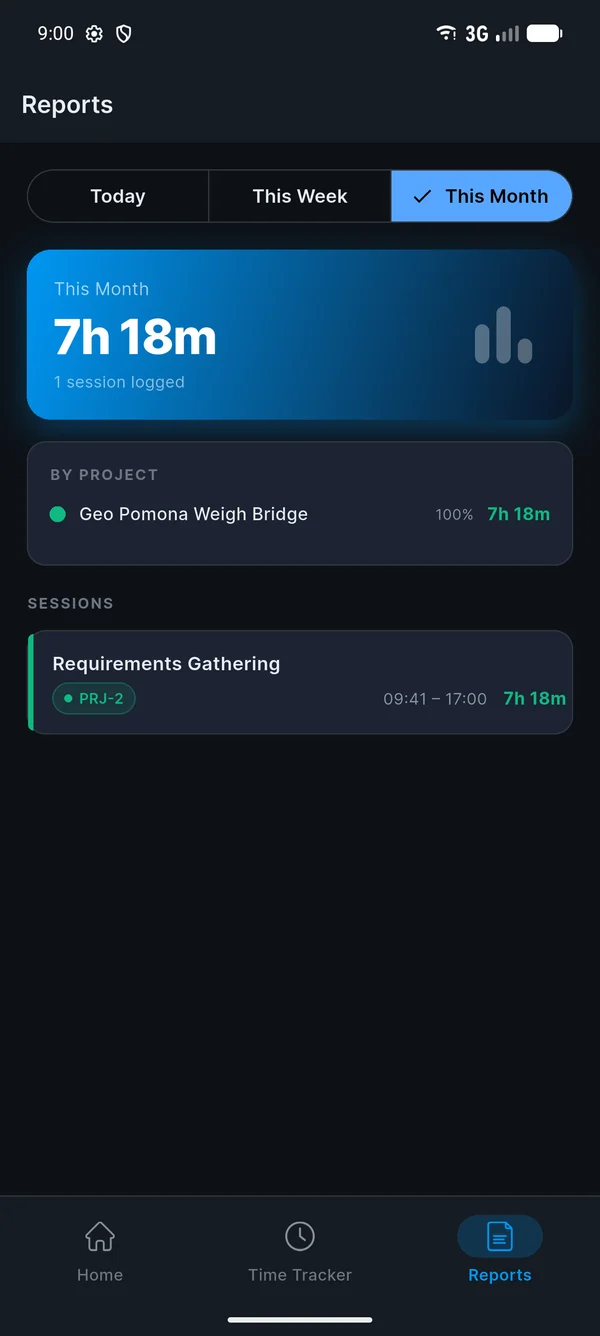
At the end of the day, tap Clock Out. Your time goes into Reports, broken down by day, week, month and project.
Forgot to clock in earlier? Use Log Manual Hours. Manual entries go to your manager for approval.
Pick the project and task you're on, so your hours land where they belong. Switching tasks takes one tap.
A GPS check confirms you're at your workstation. Location is only read when you clock in or out, never in the background.
Missed a clock-in? Log the hours afterwards with a note, and your manager approves them.
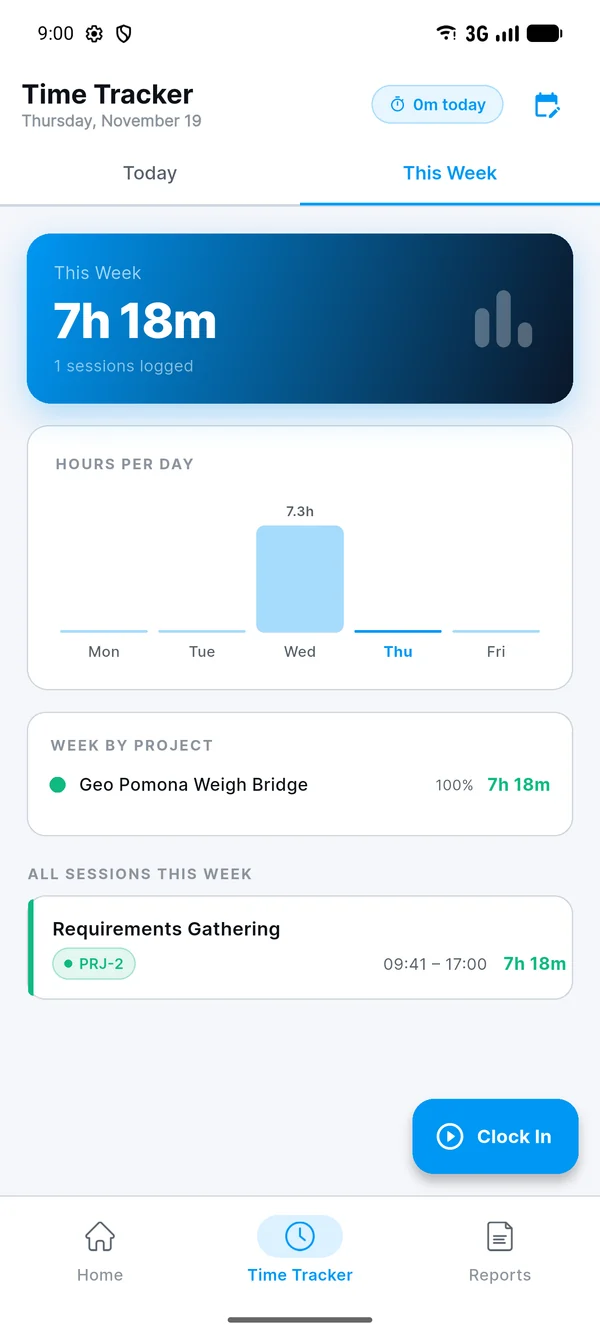
Today, this week and this month at a glance, with hours per day and per project.
A cheerful 8 AM good-morning, and a 5 PM nudge if you're still clocked in.
Tano Pulse follows your phone's theme. Switch any time with the moon icon on the home screen.
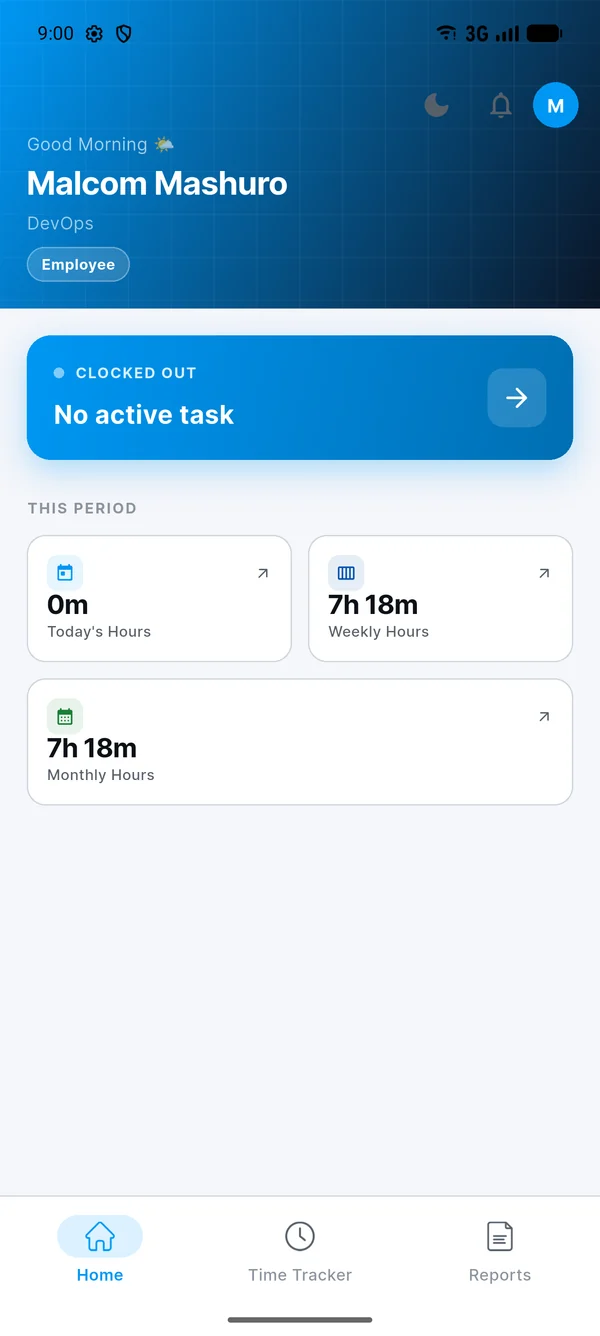
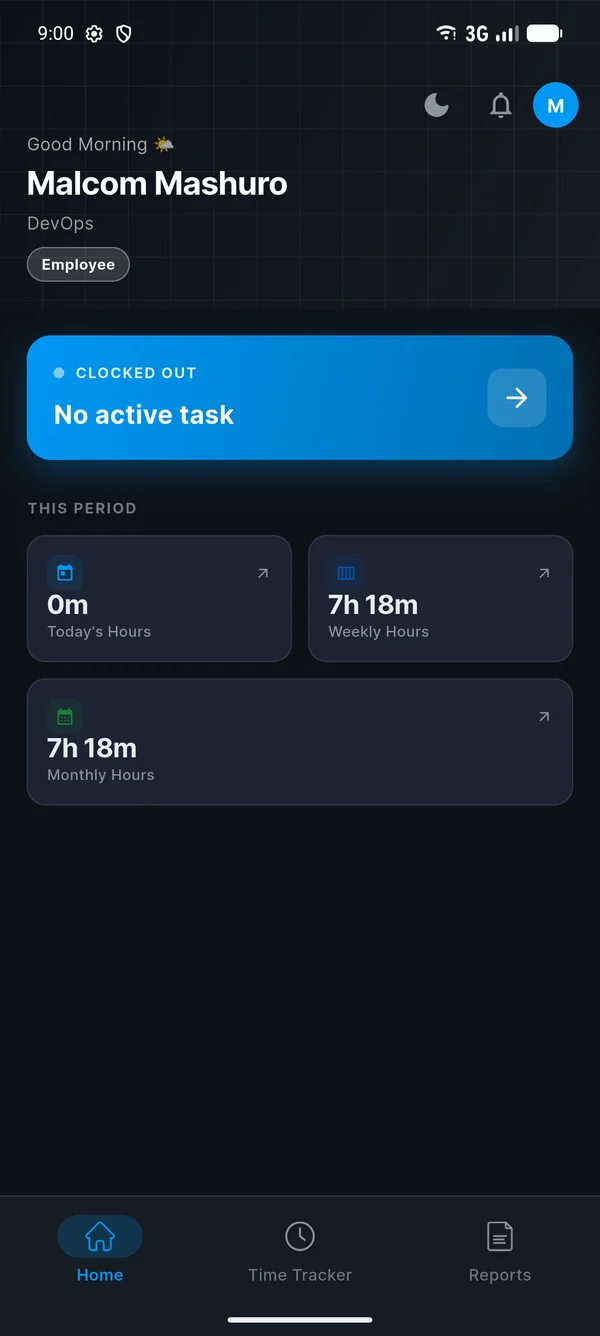
Every morning at 8:00 you get a different good-morning message, with its own sound. At 5:00 PM, if you're still clocked in, Pulse reminds you to clock out. Tap either one to jump straight to the clock-in screen.
Tano Digital staff with a @tanodigitalgroup.com email address. Sign-ups from any other email domain are declined.
Give it a minute or two, then check your spam or junk folder. If it still hasn't arrived, request a new code in the app and use the newest one. Codes expire after 10 minutes.
That usually means an older test version of Tano Pulse is still on the phone. Uninstall it, then install the new download. Also make sure you have enough free storage, about 150 MB.
Android shows that for any app that doesn't come from the Play Store. Tano Pulse is signed by Tano Digital Solutions and is safe to install. Only download it from this page.
Not yet. The iPhone version is on its way. For now, Tano Pulse runs on Android 6.0 or newer.
At 5 PM, if you're still clocked in, Tano Pulse sends you a reminder. Tap it and you're one step from clocking out. If you missed hours entirely, use Log Manual Hours and your manager approves them.
No. Location is only read when you open the clock-in screen and when you clock in or out, to confirm you're at your workstation. There's no background tracking. See the privacy policy for details.
In the app, go to Profile → Delete Account. You can also email support@tanodigitalgroup.com from your work email. More about account deletion.

Download Tano Pulse, sign up with your work email and clock in to your first task today.